Phaze
The Phaze MCP is currently experimental. Learn how to turn it on here.

When AI needs a computer,
Phaze gives it access to one

Direct your AI agent to accomplish tasks, fix machines, and monitor long-running processes on other computers with Phaze.
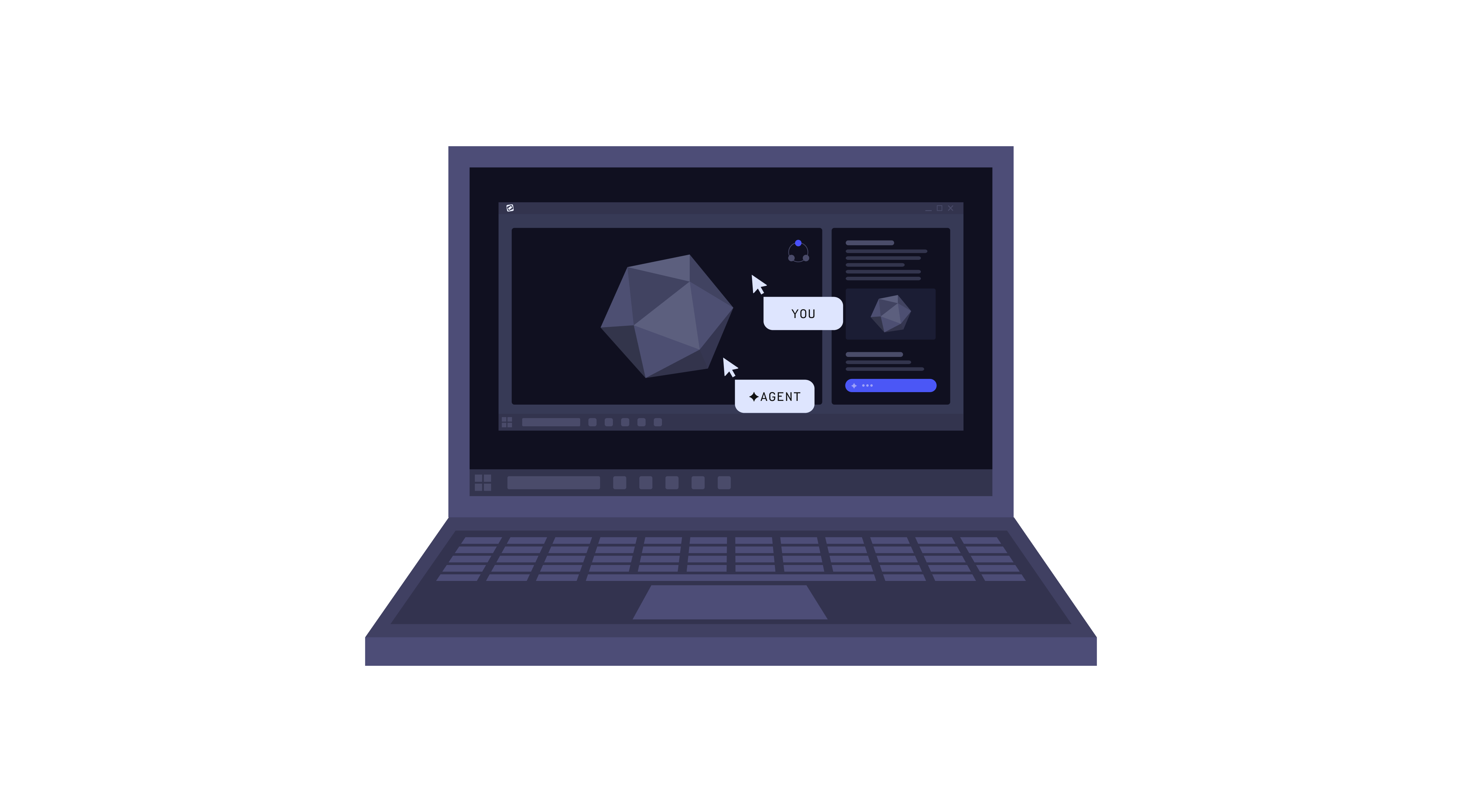
Your computers operated by your AI agent

If you have access to multiple computers, Claude, Codex or any AI agent can use Phaze to connect to those computers, through the full desktop or the command line, and accomplish tasks for you.

Local MCP ServerA Public APIRemote Computer Use

End User Support

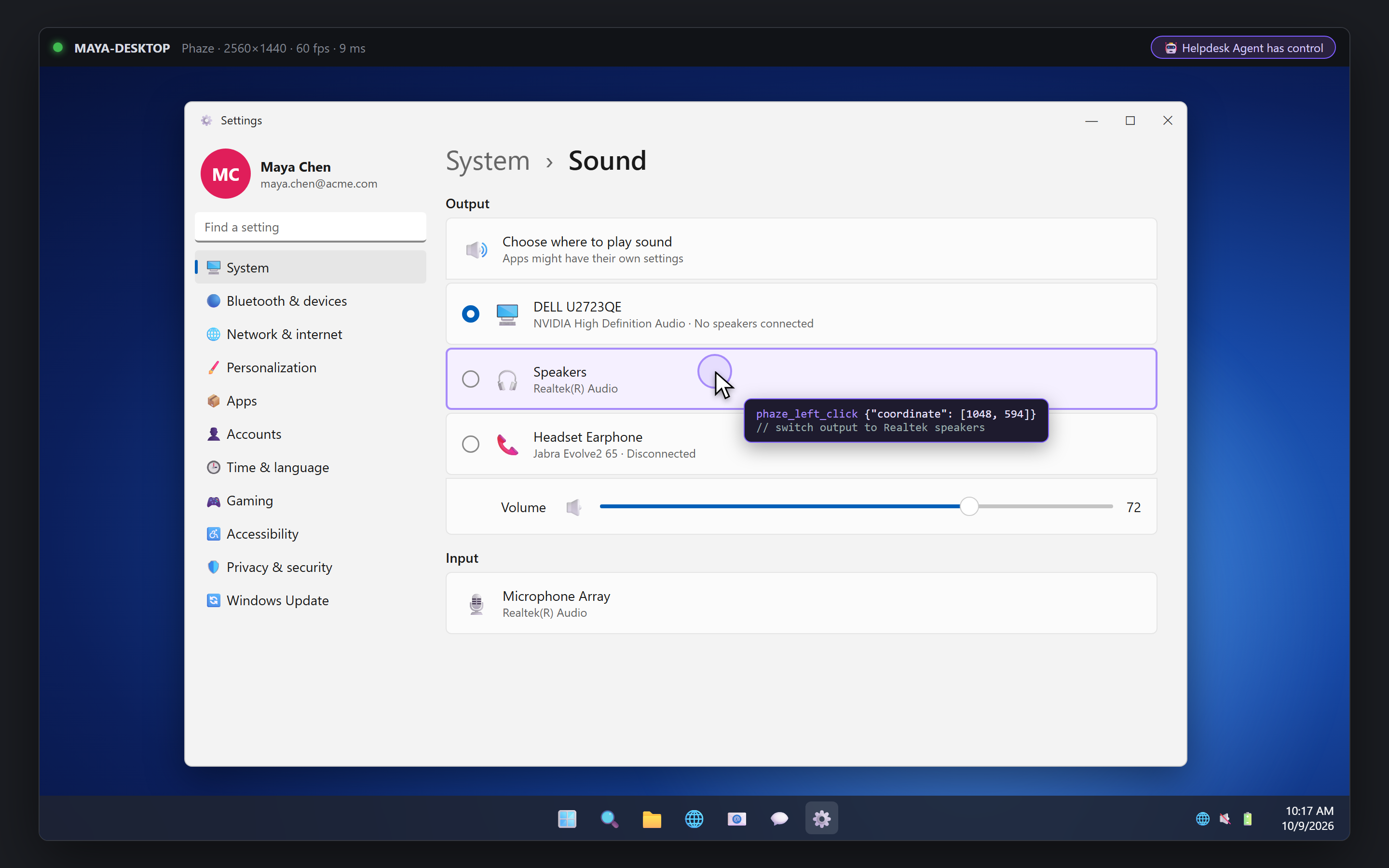
Your agent can connect to a computer, fix it, and close a support ticket automatically. If it gets stuck, it can ask for your help.

Monitor Processes

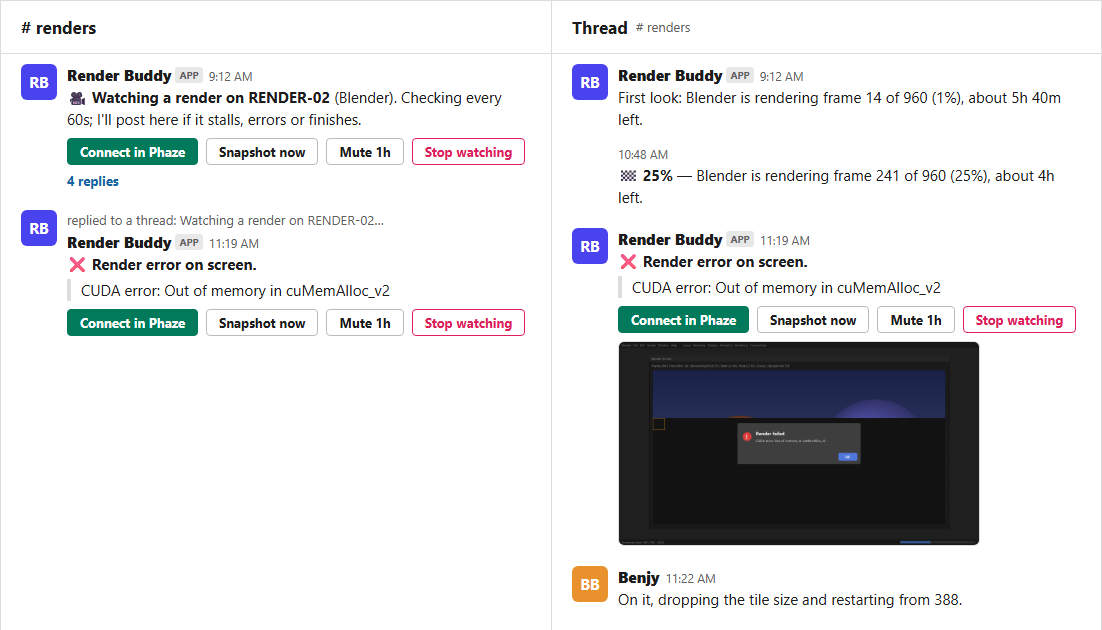
The AI agent can watch processes happening on other computers and alert you when a build or render is failing.

IT-Approved Access

Agents get things done on other computers in the background, and they only reach the machines their user can, with the same roles and permissions.

Example projects using Phaze's API and MCP

IT Support Bot

  • Connect to your IT ticketing system with an integration via the Phaze API.
  • Accept incoming tickets and automatically connect to a machine to troubleshoot.
  • The agent connects to the remote computer and operates the full desktop or sends terminal commands.
  • The AI can ask a human for help when it’s stuck or hits a UAC prompt.
  • Closes tickets and provides commentary on what was done.
  • Example available here.
AI solving end user support tickets on other computers

Render Buddy

  • The Phaze engineering team uses a similar setup to monitor our application deployments and logs.
  • Watches long-running processes on computers to alert you when something is failing.
  • A local webpage gives you a list of Phaze computers, so you can tell the Render Buddy which machines to watch ongoing render jobs.
  • Connects to a Slackbot to alert users when a render finishes, updates when an issue is detected, and requests help if it needs human intervention.
  • When renders complete, it provides a summary of the render job.
  • Check out Render Buddy on GitHub here.

Render buddy letting you know what's happening with a process

The Phaze API

AI computer use agents can use the Phaze MCP without our API. But the API gives you the tools to develop and integrate Phaze to match your team’s workflows. Check out our API documentation here.