Phaze

High performance
remote desktop.

Access your workstation from anywhere — Phaze is built for 3D and CAD work.

Remote desktop sucks. We're fixing it.

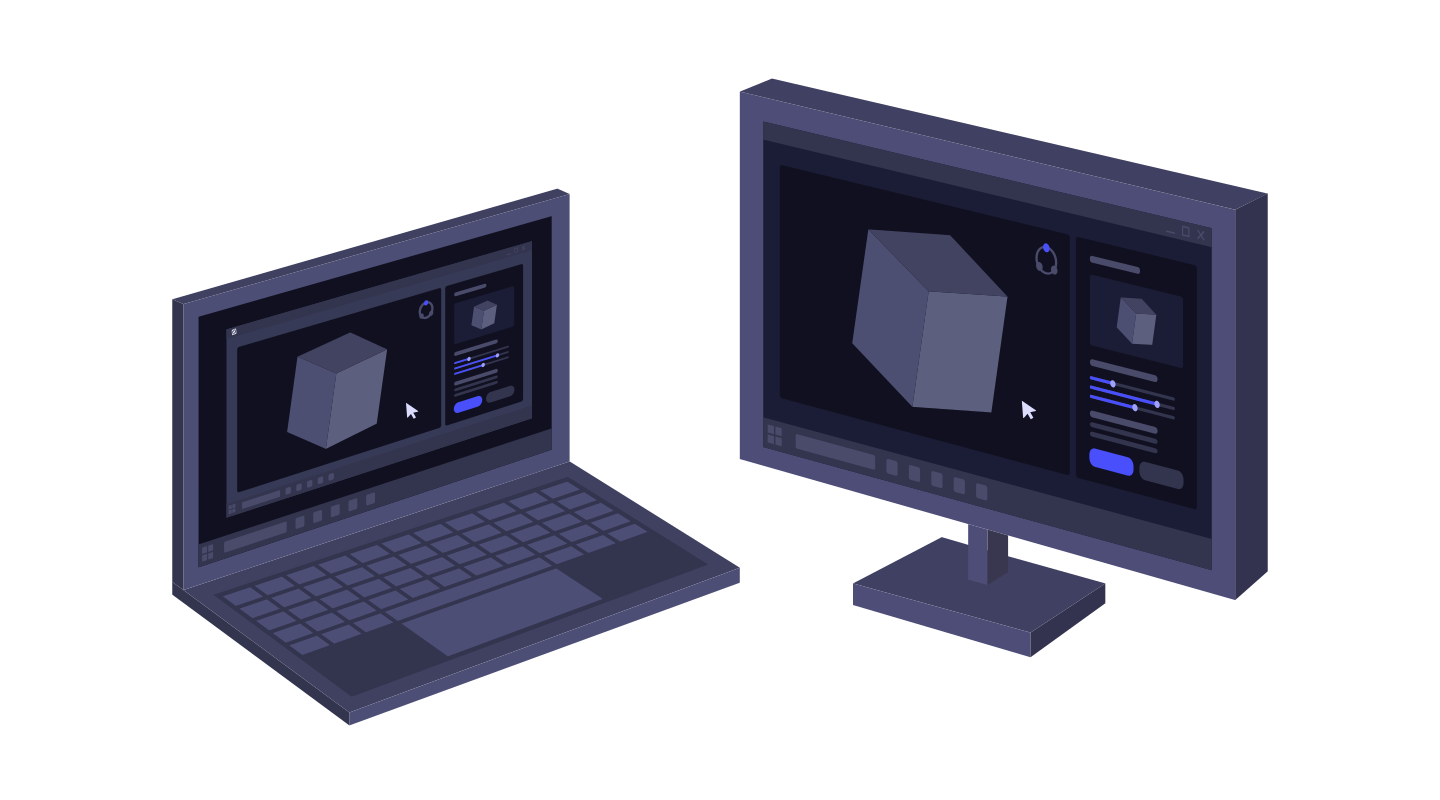
Phaze focuses on the details to make sure remote desktop gets out of the way. It lets you and your team connect seamlessly, with low latency, high frame rates, HD video, and perfect input.

The session feels local, not remote.

Low-latency input, fluid 3D graphics, crisp color, and multi-monitor support make demanding CAD and visual workloads feel responsive from the first click.

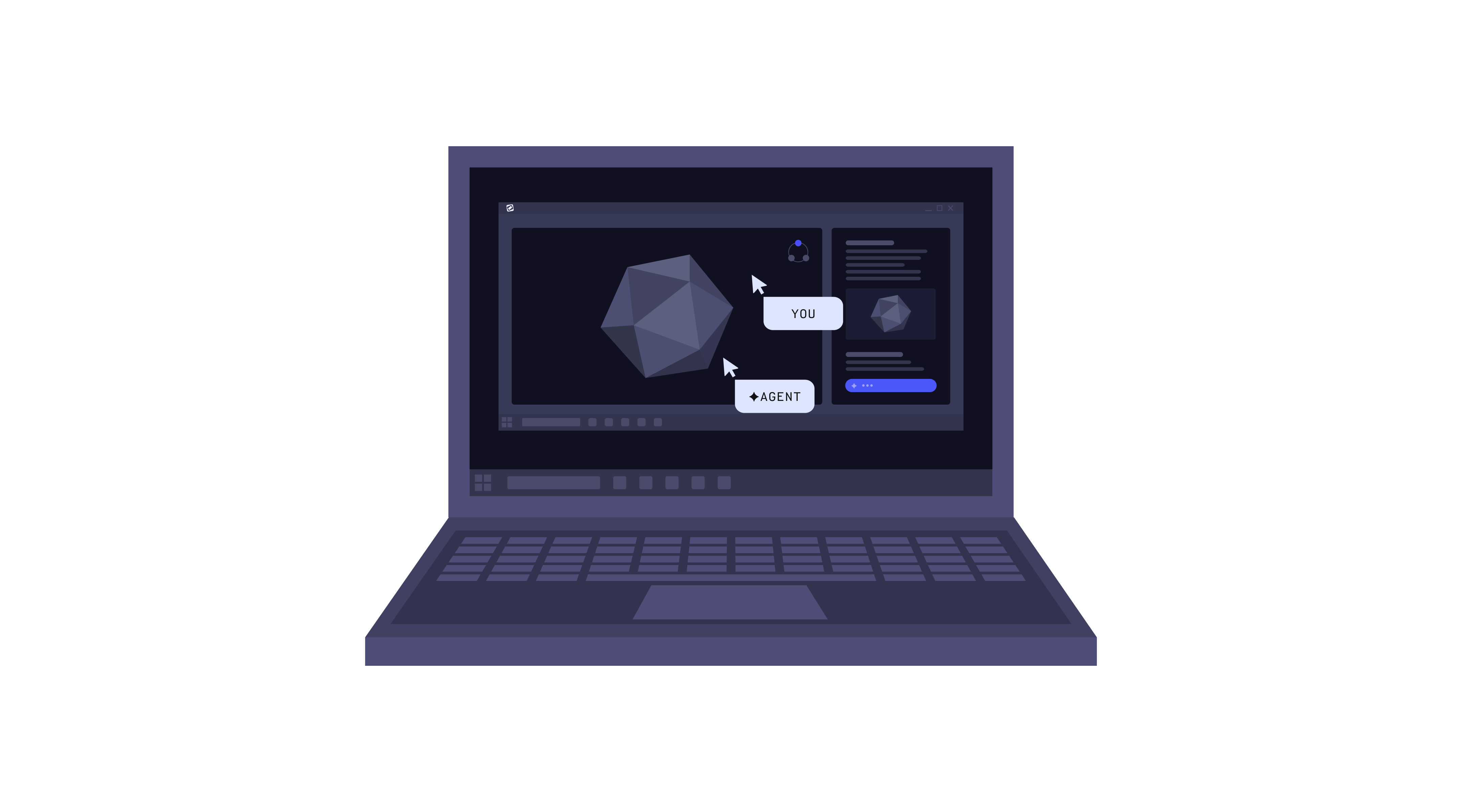
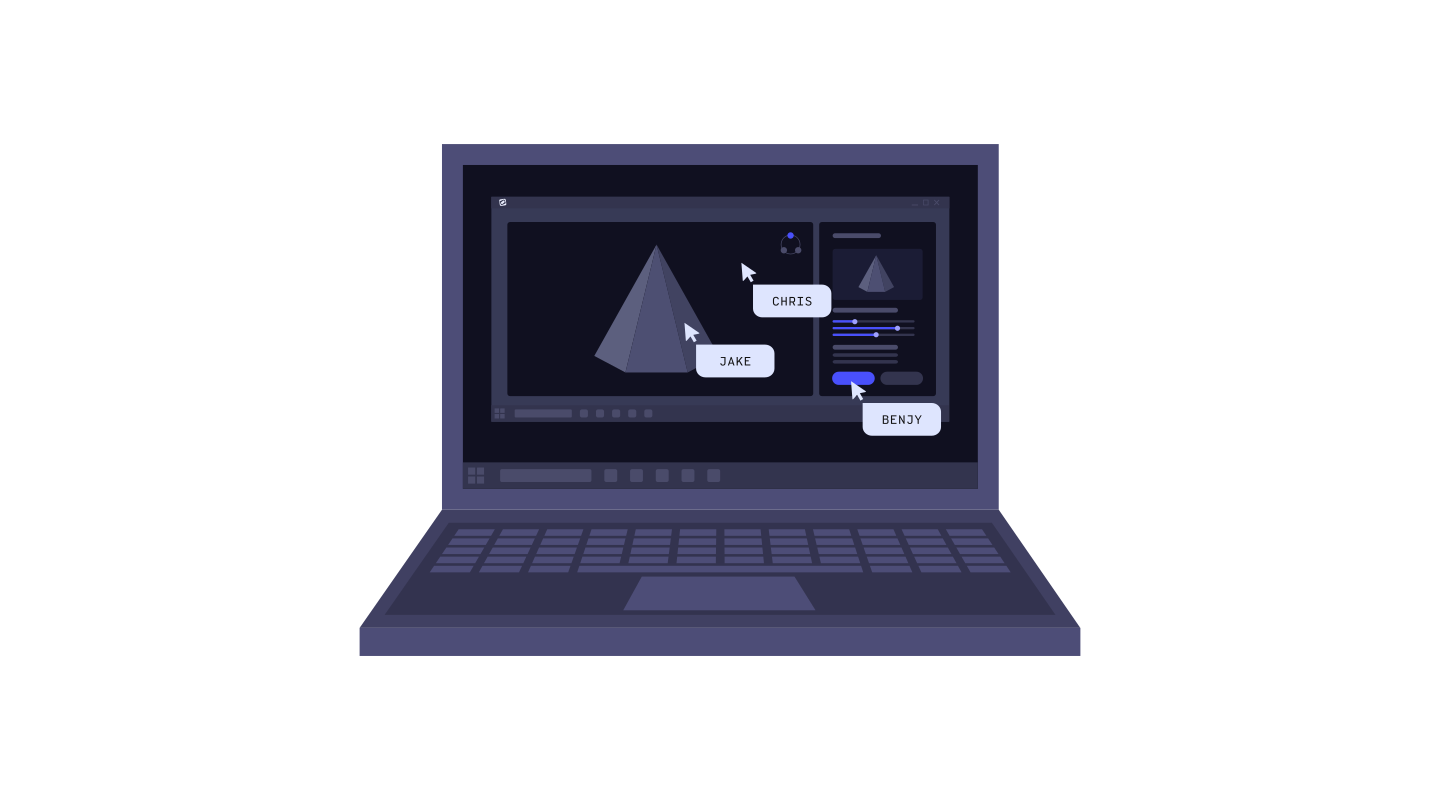
Collaborate inside the same session.

Teams can work together in real time inside the applications they already use, without plugins or complicated setup.

IT stays in control the whole time.

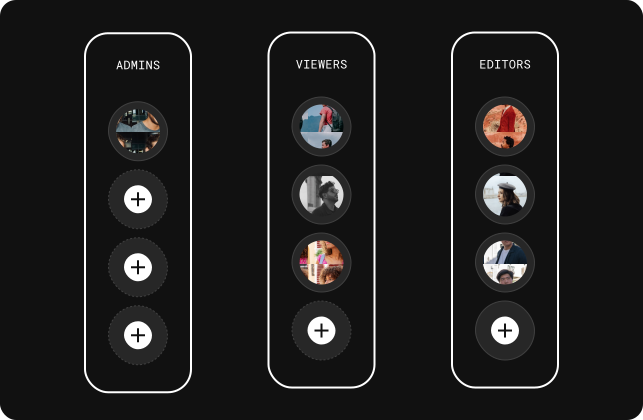
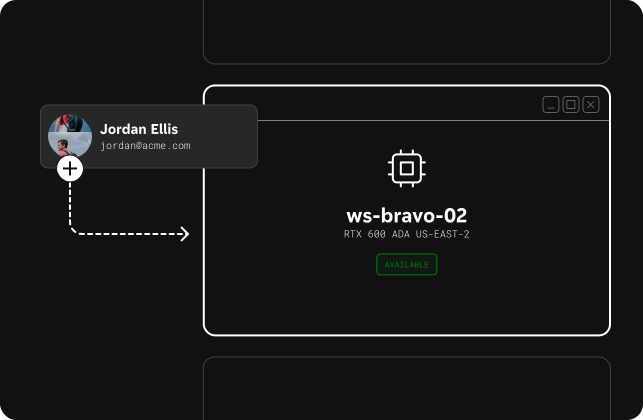
Admins can assign machines, manage teams, control permissions, and monitor usage through centralized enterprise controls built for secure deployment at scale.
Built for IT teams managing it at scale.

Phaze combines remote desktop with enterprise controls.

Computer Management

Assign and manage workstations across the organization. IT can always see every machine and connect to support devices across the company.

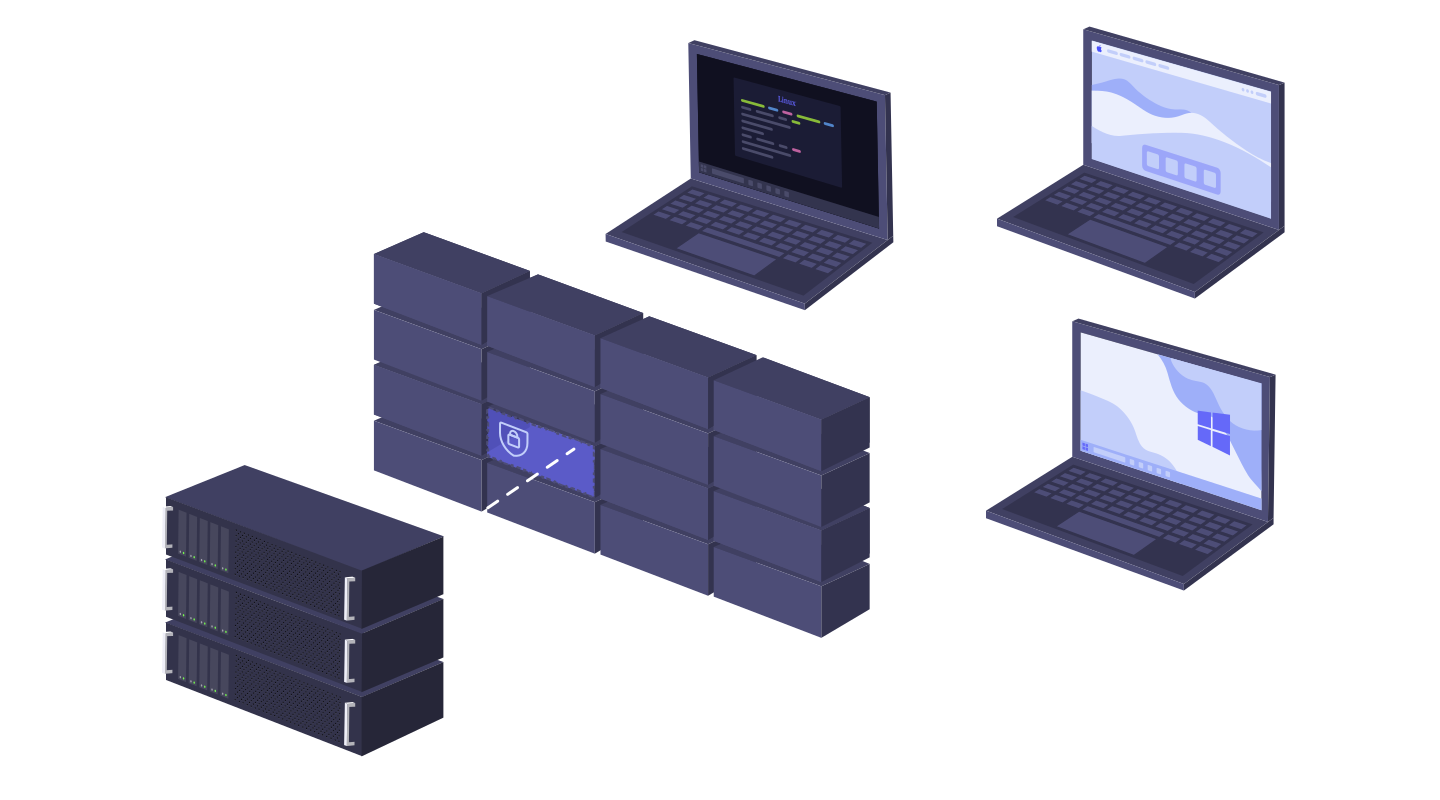
On‑prem Relay

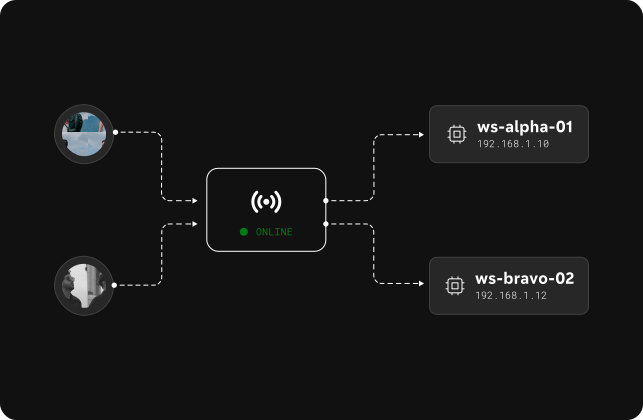
Deploy relays to manage internal network access, enforce connection policies, and monitor traffic across all Phaze hosts.

Team Management

Create and manage teams of users, then assign their roles and permissions to shared pools of workstations.

I have been around remote protocols & VDI most of my career and Phaze's fluid performance is probably the best I have experienced.
— Alpha Tester

Enterprise‑grade trust & security

Built on 10+ years of remote desktop experience, Phaze is designed by people who know what enterprises need from a remote desktop. SOC 2 Type II certified, with detailed auditing, enterprise administration controls, and the visibility IT teams need to manage remote workstations with confidence.

Compliance at a Glance

Penetration tested by an independent third-party firm. SOC 2 Type II certified.

Auditing, Logs, and Analytics

All connection history and admin actions are logged and available via API. Real‑time analytics show you what's happening.

Enterprise Controls

Directory sync, role‑based access, and centralized administration to keep access tightly managed.